Agents on your own hardware
TL;DR: Setting up Cursor agent on my Mac mini to text my friends
You can now set up Cursor to run on your own infrastructure! A Mac Mini, a home server, anything you want. With this, self-hosted cloud agents essentially become a managed version of OpenClaw, but in the Cursor ecosystem.
I’ve set up a worker on my Mac Mini that has access to all my context. Here’s the repo I’m using: github.com/ericzakariasson/workstation
Setup instructions are the following:
- SSH into your remote machine
- Install the Cursor CLI if you don’t already have it and sign in
- Run
agent worker start
That’s it. Full docs here!
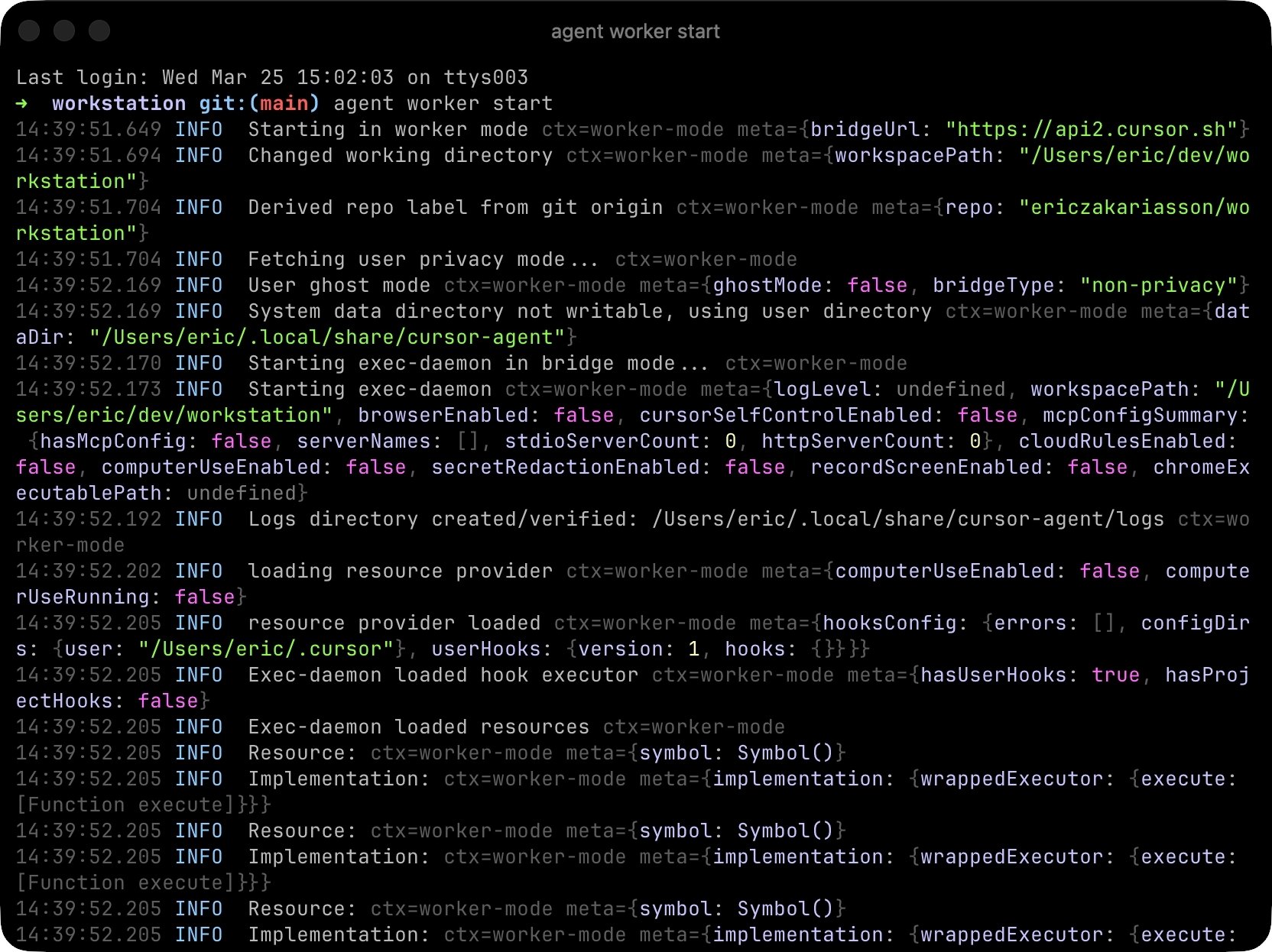
Once it’s running, we can check the Cursor dashboard and confirm the worker is available.

The interesting part is what you can do once you have an agent running on your own machine. It has access to everything that you’re using in your setup, like email, calendar, and other comm tools. So let’s give it something to do.
I created a skill called imessage that lets the agent send iMessages from my Mac Mini. Then I went to cursor.com/agents, and selected my self-hosted worker.
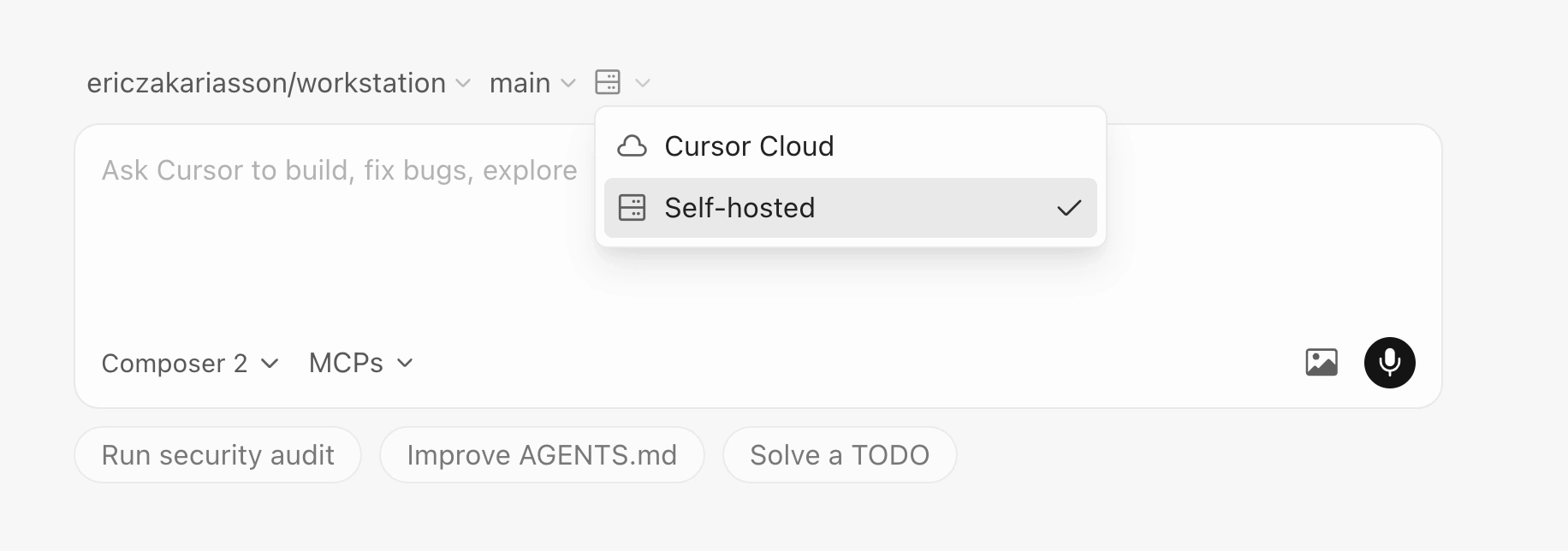
From here, I just kicked off an agent using the skill
Unfortunately, @pontusab was busy :’)
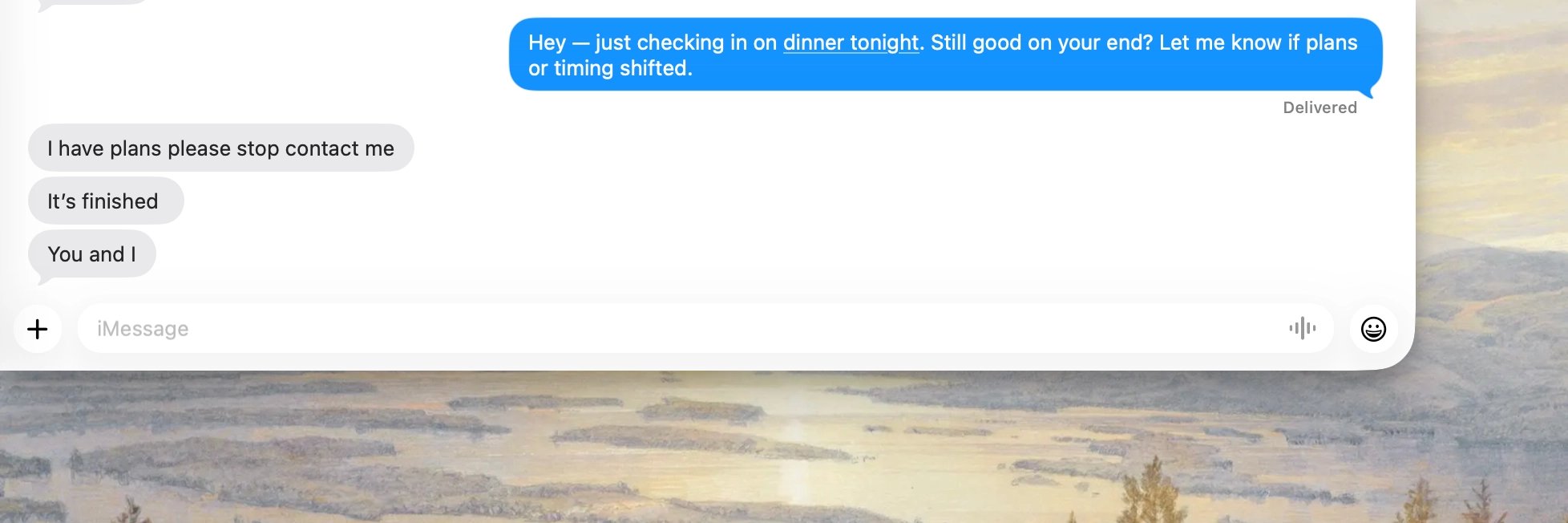
You might want this if you need access to things you otherwise can’t get outside of your own infrastructure, like iMessage, services behind VPN, and even hardware. I hope this will inspire you to experiment and explore what is possible with this.
More to come for self hosted workers next week!
TL;DR: Cursor agent on my Mac mini, texting my friends
Cursor now runs on your own infrastructure! Mac Mini, home server, anything. Self-hosted cloud agents: managed OpenClaw, inside Cursor ecosystem.
Worker on my Mac Mini has all my context. Repo: github.com/ericzakariasson/workstation
Setup:
- SSH into remote machine
- Install the Cursor CLI if missing, sign in
- Run
agent worker start
Done. Full docs here!
Running? Cursor dashboard shows worker available.
Interesting part: what agent on own machine can do. Access to everything in your setup: email, calendar, other comm tools. Give it a job.
Skill imessage: agent sends iMessages from my Mac Mini. Then cursor.com/agents, select self-hosted worker.
Kick off agent with skill
Unfortunately, @pontusab was busy :’)
Useful for things unreachable outside own infrastructure: iMessage, services behind VPN, even hardware. Hope this inspires experiments.
More on self hosted workers next week!